Getting started
Mnemo is a free, local-first desktop study app with notes, flashcards, mind maps, and an experimental AI assistant.
Mnemo is a desktop study application. It combines a block-based note editor, spaced-repetition flashcards, and mind maps in one window. Everything is stored locally on your machine. There is no account, no cloud sync, and no tracking.
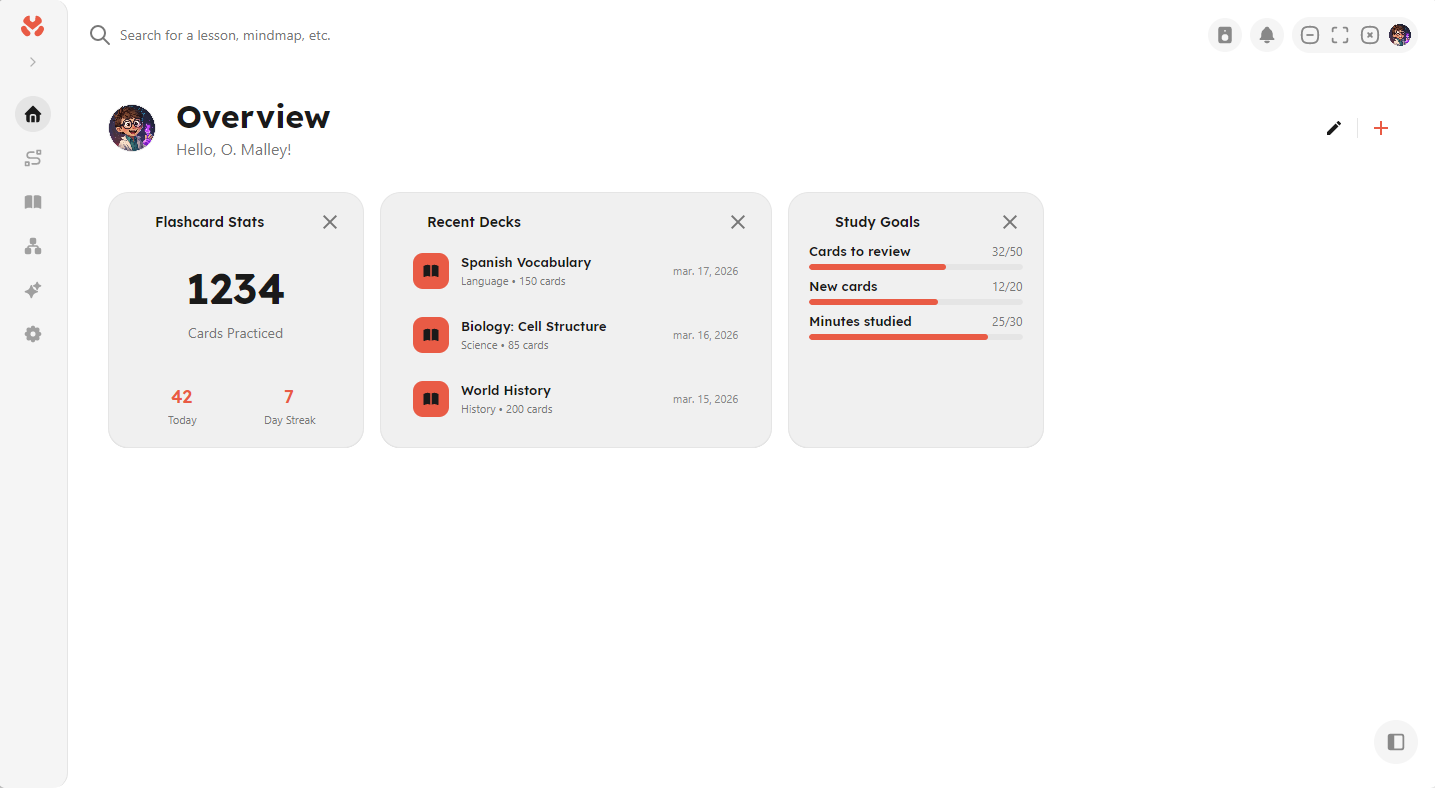
The main tools
- Notes: a block-based editor with rich formatting, math equations, code blocks, images, and text-based diagrams.
- Flashcards: decks with cloze support and four scheduling algorithms, including FSRS.
- Mind maps: a node-and-edge canvas with automatic layouts.
The Overview page is your dashboard. It shows configurable widgets for recent notes, recent decks, study goals, and usage statistics.
Mnemo also ships an experimental, fully local AI assistant. It is off by default and requires a separate model download.
Where your data lives
All content is stored in a local database on your computer:
| OS | Location |
|---|---|
| Windows | %LocalAppData%\Mnemo\ |
| Linux | ~/.local/share/Mnemo/ |
| macOS | ~/Library/Application Support/Mnemo/ |
You can take your data with you using .mnemo package exports.
Where to go next
| If you want to… | Read |
|---|---|
| Install or update the app | Installation |
| Learn the note editor | Notes |
| Write math in notes | Math and equations |
| Draw diagrams from text | Sketch diagrams |
| Study with spaced repetition | Flashcards |
| Move data in or out | Import and export |
| See every keyboard shortcut | Keyboard shortcuts |
| Fix a problem | Troubleshooting |